
Description
SMPTE time code into MADRIX 5 via USB
The MADRIX® USB SMPTE brings SMPTE time code into MADRIX 5: the signal comes in via a 3-pin XLR socket, the computer via USB 2.0. Scenes then run in sync with the time code of your show via the Cue List.
Is this right for my project?
What the USB SMPTE is made for
- Playing light shows precisely to an SMPTE time code, for example from audio or video playback or a show controller
- Starting scenes automatically via the Cue List of MADRIX 5
- Shows with a fixed sequence in theatres, museums, exhibitions or events
- Simple connection to any USB 2.0 port, powered via USB
Not suitable for
- Time code for other software or consoles: the USB SMPTE is intended as an input for MADRIX 5
- Outputting time code: the device has an input only
- Outputting DMX or pixels: that is what the USB ONE or nodes such as the STELLA are for
Also required: MADRIX 5 with a licence on a MADRIX KEY and a time code source with SMPTE output.
SMPTEtime code input
XLR3-pin, female
USB 2.0connection and power
110 gweight
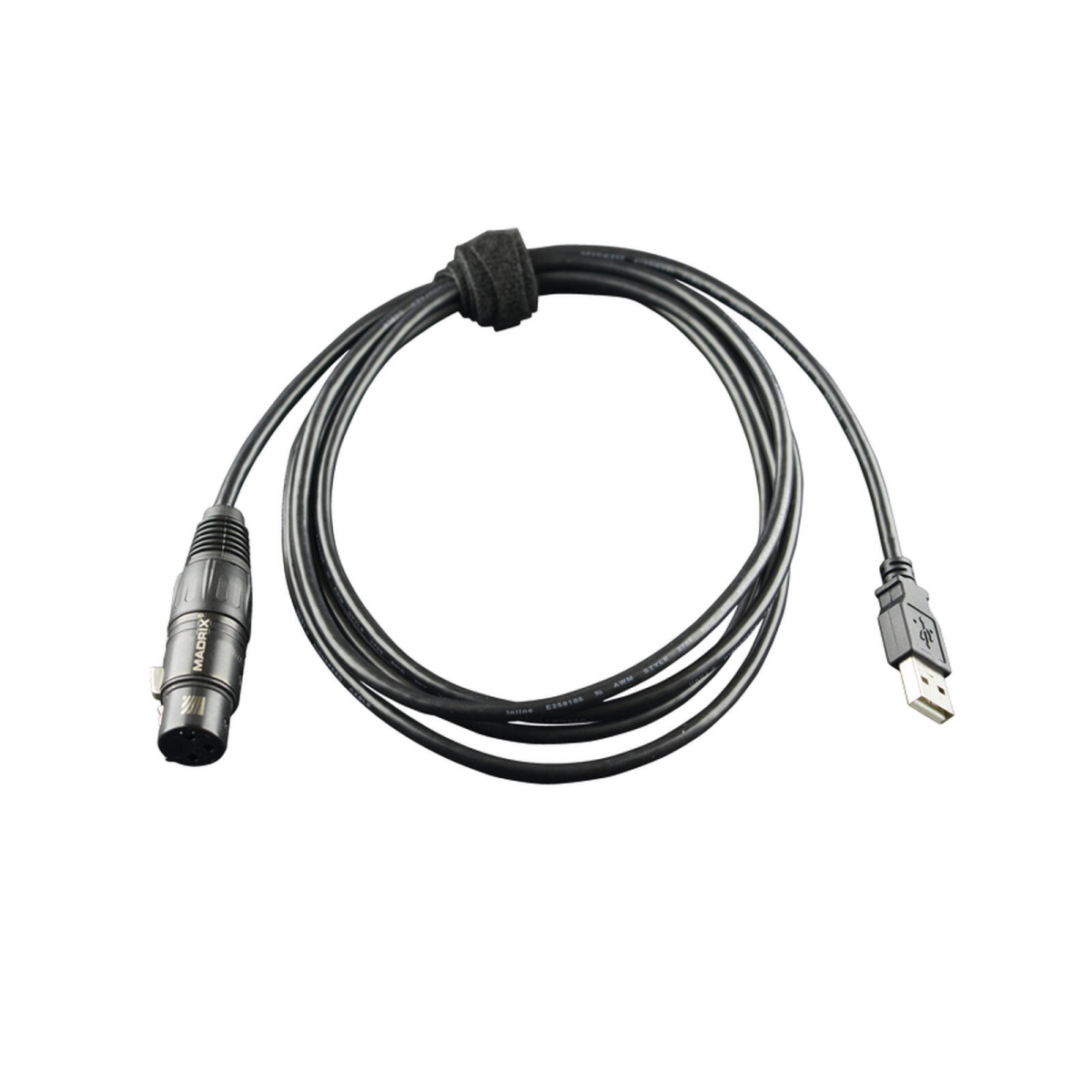
Time code in, scenes in sync
- SMPTE time code via the 3-pin XLR socket
- Synchronised playback of scenes via the Cue List of MADRIX 5
- USB 2.0, powered via USB (5 V, about 50 mA in operation)
Further key data
- Power: 5 V DC via USB, max. 500 mA, about 50 mA in operation
- Weight 110 g, protection rating IP20
- Operation 10 °C to 50 °C, storage −10 °C to 70 °C, humidity 5–80 % non-condensing
Manufacturer data MADRIX.
Connection
Up and running in three steps
- Connect. Plug the USB SMPTE into a USB 2.0 port of the computer running MADRIX 5.
- Connect time code. The SMPTE output of your time code source to the 3-pin XLR socket.
- Set up in MADRIX 5. Assign the scenes in the Cue List to the desired time code positions.
The USB SMPTE only receives time code. Output to the fixtures is handled by your DMX or Art-Net devices.
Scope of delivery
- MADRIX USB SMPTE
- Technical manual / quick start guide
Frequently asked questions
Do I need MADRIX 5?
Yes. The USB SMPTE is intended as a time code input for MADRIX 5; the scenes run via the Cue List of MADRIX 5.
Can the USB SMPTE output time code?
No. The device has a time code input via a 3-pin XLR socket.
Do I need a power supply?
No. The USB SMPTE is powered directly via the USB port.
Not sure which interface suits your setup? Tell us about your project and we will tell you what works best.
Discuss your projectTechnical data
| Item information | Value |
|---|---|
| Ambient operating temperature: | 10 °C to 50 °C |
| Power consumption: | approx. 50 mA at 5 V |
| Weight: | 110 g |
| Scope of delivery: | MADRIX USB SMPTE, Technical manual / quick start guide |
| Signals: | SMPTE time code (input) |
| Protection rating: | IP20 |
| Connection: | 3-pin XLR, USB 2.0 |
| Shipping weight: | 0,20 kg |
Product safety information
Manufacturer information:
inoage GmbH
Wiener Straße 56
Sachsen
01219 Dresden
Deutschland
info@inoage.com
https://www.inoage.de
Wiener Straße 56
Sachsen
01219 Dresden
Deutschland
info@inoage.com
https://www.inoage.de

