
Description
Two pixel ports, controlled via USB or network
The MADRIX® NEBULA converts Art-Net, sACN or USB into SPI data for pixel LEDs. It connects to a computer running the MADRIX software via USB and receives Art-Net and sACN on the network.
Is this right for my project?
What the NEBULA is made for
- Small to medium pixel setups with up to two runs, such as counters, logos, trade fair walls or decorative objects
- Working with the MADRIX software: USB cable to the computer and you are done
- Network setups with Art-Net or sACN, several devices daisy-chained via the second network port
- Installation in a control cabinet on a 35 mm DIN rail or wall mounting
Not suitable for
- More than two runs or several thousand pixels: choose the Art-Net/E1.31 controllers with more outputs
- Shows without a running computer or console: a recording and playback device such as the MADRIX AURA is made for that
- Outdoor mounting: the housing is rated IP20
Also required: a power supply matching your pixel voltage (5 V to 24 V), the pixels themselves and, for operation with MADRIX 5, a licence on a MADRIX KEY. The NEBULA does not include a licence.
2 × 1,020RGB pixels per port (firmware 6.00 and later)
70+supported pixel ICs
5–24 Vsupply voltage DC
90 × 70mm footprint, DIN rail
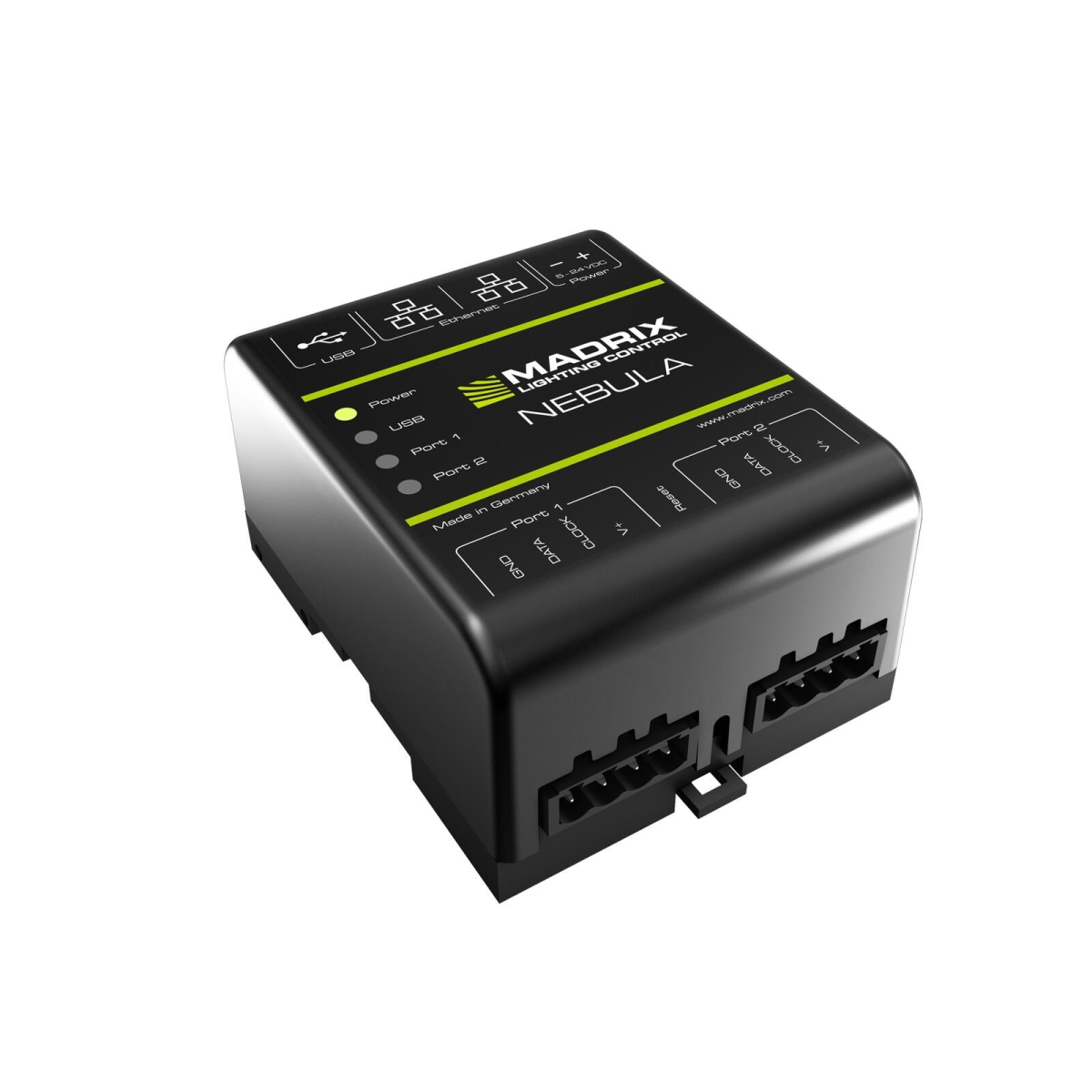
USB or network
- USB 2.0: direct connection to the MADRIX software
- Two RJ45 ports: Art-Net (I, II, 3, 4, incl. ArtSync) and sACN (E1.31); the second port continues to the next device
- RDM responder via ArtRdm
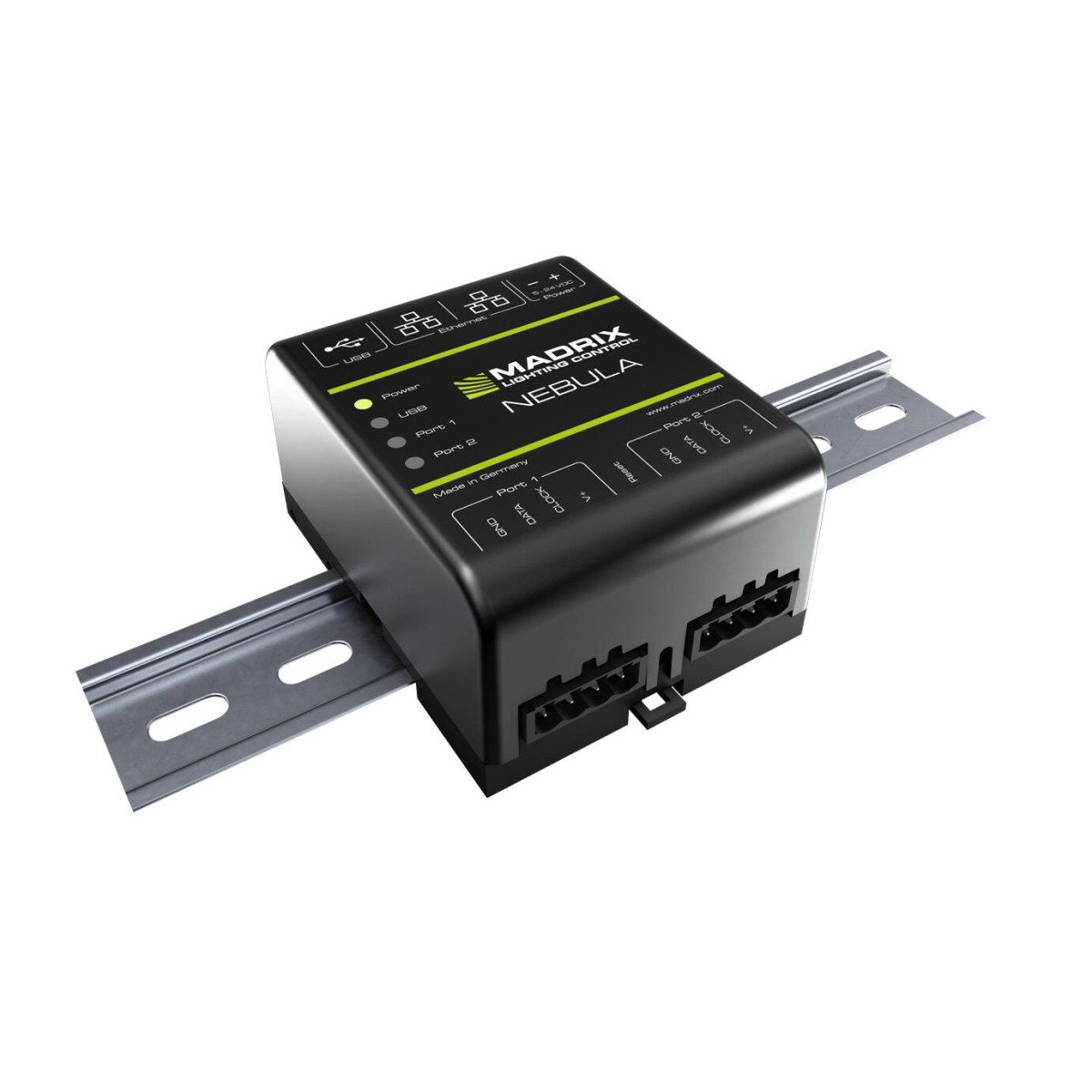
Two SPI ports for pixels with and without clock
- Each port carries GND, DATA, CLOCK and V+ on a 4-pin plug terminal
- Single- and two-wire pixel ICs, including WS2812B, WS2813, WS2815, APA102; further ICs are added via firmware updates according to the manufacturer
- Per port 1,020 RGB, 768 RGBW or 3,072 single-channel LEDs from firmware 6.00; with older firmware 680 RGB per port
Common key data
- Power: 5–24 V DC via screw terminal or 5 V via USB, power consumption below 1.5 W
- Network: 2 × RJ45 with daisy chain to the next device, 10/100 Mbit/s
- Housing: 90 × 70 × 46 mm, IP20, operation −10 °C to 70 °C
- Configuration via the built-in web configuration page, 5 status and 4 network LEDs, can be switched off
Manufacturer data MADRIX.
Connection
Up and running in three steps
- Power. Connect a power supply matching the pixel voltage (5–24 V DC) to the screw terminal. The terminal is rated for up to 12 A, each pixel port for up to 6 A (manufacturer data).
- Connect the pixels. Run to port 1 or 2: GND, DATA, with clocked pixels also CLOCK, and V+.
- Control. Connect to the MADRIX software via USB or to the network and send Art-Net/sACN. Set pixel type and universes on the device's web configuration page.
Power-hungry runs need an additional power injection directly on the run, depending on length. Suitable power supplies and xConnect® cabling are in our range.
Scope of delivery
- MADRIX NEBULA
- Pluggable screw terminals (2 × 4-pin, 1 × 2-pin)
- USB 2.0 cable
- 2 wall-mount brackets
- Quick start guide
Frequently asked questions
Is a MADRIX licence included?
No. The NEBULA is hardware only. For operation with MADRIX 5 you need a MADRIX 5 licence on a MADRIX KEY.
Do I also need a power supply?
Yes. The NEBULA passes power to the pixels via the ports but does not generate it. The power supply depends on your pixel voltage, 5 to 24 V.
How many pixels can the NEBULA handle?
From firmware 6.00 up to 1,020 RGB pixels per port, i.e. 2,040 in total. With older firmware it is 680 per port. With many pixels at full brightness, current is often the limit first: up to 6 A per port.
Can I daisy-chain several NEBULAs?
Yes. The second network port passes the network on to the next device, so not every device needs its own cable to the switch.
Not sure which device suits your setup? Tell us about your project and we will tell you what works best.
Discuss your projectTechnical data
| Item information | Value |
|---|---|
| Control protocol: | E1.31ArtNet |
| Ambient operating temperature: | −10 °C to 70 °C |
| Pixel outputs: | 2 (SPI) |
| Ethernet ports: | 2 × RJ45, 10/100 Mbit/s |
| Mounting: | 35 mm DIN rail or wall |
| Pixels per output: | 1,020 RGB (from firmware 6.00) |
| Dimensions: | 90 × 70 × 46 mm |
| Power consumption: | below 1.5 W |
| Scope of delivery: | Pluggable screw terminals (2 × 4-pin, 1 × 2-pin), USB 2.0 cable, 2 wall-mount brackets, Quick start guide |
| Protection rating: | IP20 |
| Controller IC: | WS2811TM1814WS2812bWS2812WS2801TLS3001SM16716APA104MBI6020LPD6803SK6812APA102TLS3008WS2803UCS1903TM1829LPD1882LPD8806TM1812TM1809TM1804APA101APA106GW6201GW6205P9883SJ1221SK6822SM16703UCS512B3UCS8904UCS9812SWS2811SWS2813WS2815WS2818WS2822SWS2822S Addressing |
| Operating Voltage: | 5 - 24 Volt DC |
| Shipping weight: | 0,40 kg |
Product safety information
Manufacturer information:
inoage GmbH
Wiener Straße 56
Sachsen
01219 Dresden
Deutschland
info@inoage.com
https://www.inoage.de
Wiener Straße 56
Sachsen
01219 Dresden
Deutschland
info@inoage.com
https://www.inoage.de


